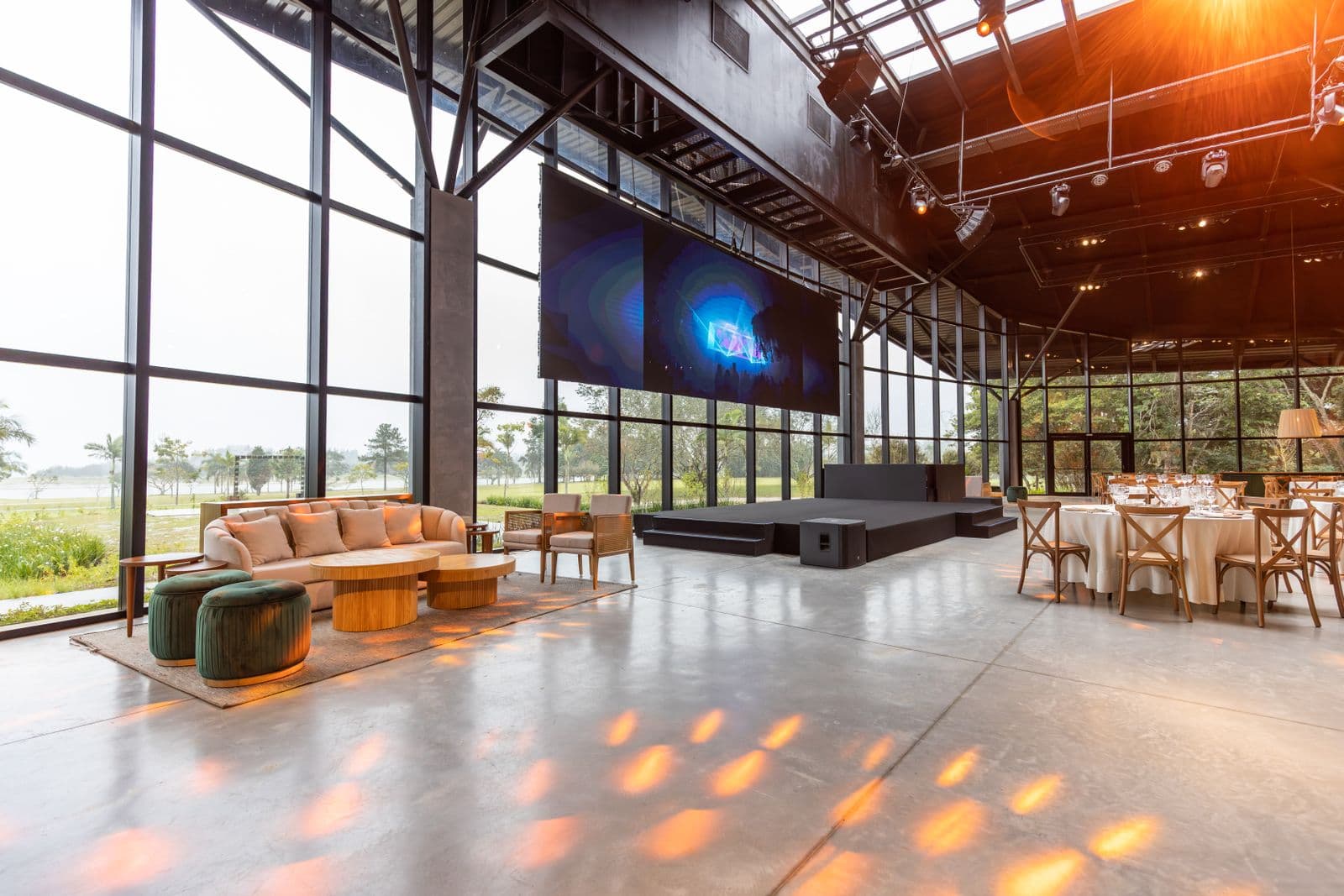
A summit is a set of expert sessions around one theme, usually across a day or two, with speakers, a shared audience and several moving parts that have to land on the same morning. The planning is harder than a one-room event because the calendar fills up early. Venues hold dates on a schedule, keynote speakers book their diaries well ahead, and sponsors want their slots agreed before the agenda is printed. Start the timeline before you feel ready, and let the dates set the pace.
Work backwards from summit day
Most planning guides split the lead time into phases. HeySummit's 12-month template and the I4A association checklist both follow that shape, and the phases below are the ones we see work best for a summit of a day or two. Adjust the dates for a smaller event, but keep the order.
| When (before the summit) | What has to be settled | The slip that catches teams out |
|---|---|---|
| 12 to 9 months | Theme, dates, a budget envelope and a venue shortlist | A venue hold expires, or the dates clash with a major local event |
| 9 to 6 months | Venue contract, keynote and panel invitations, sponsor packages | Speakers accept late, and sponsors need a longer lead time than you planned |
| 6 to 3 months | Registration opens, the agenda is drafted, promotion begins | The agenda changes after the sponsor deck has already gone to print |
| 3 to 1 month | Draft run of show, vendors confirmed, staff roles and rooms assigned | A room change that never reaches the run of show |
| Final 4 weeks | Rehearsal, team briefing, backup plans, escalation contacts | Nobody on the day knows who to call when a session starts late |
Centric's guide suggests starting the first run of show draft about three months out, then finalising it with the internal team and checking it with whoever runs the technology. That is a sensible rhythm: the agenda is set by then, the rooms are mostly known, and there is still time to fix what the draft reveals.
Build the run of show before the rooms are final
A summit has more than one thing happening at once, and the run of show is the single schedule everyone works from. It starts at doors and ends at load-out, and it lists every cue with a start, a length, an owner and a room. The run of show template covers the anatomy of a single cue sheet. A summit adds two things: a separate schedule for each room where sessions run in parallel, and a master timeline that shows the whole day on one page.
The simplest way to keep a summit schedule honest is to chain the times. Set the start time of the first cue, then let each later cue begin when the one before it ends. Event70's run of show builder works this way: you type a length for each cue, and the start times recalculate as you edit. The example below uses that rule, so you can check the arithmetic yourself.
A worked example: a one-day summit
Take a one-day summit in a single main room, with the first cue fixed at 9:00 AM. Each cue below starts when the previous one ends. The figures are the output of that rule for these lengths, not estimates.
| Cue | Length | Starts | Ends |
|---|---|---|---|
| Doors and registration | 30 min | 9:00 AM | 9:30 AM |
| Welcome and opening remarks | 20 min | 9:30 AM | 9:50 AM |
| Keynote | 45 min | 9:50 AM | 10:35 AM |
| Break | 15 min | 10:35 AM | 10:50 AM |
| Panel | 60 min | 10:50 AM | 11:50 AM |
| Lunch | 60 min | 11:50 AM | 12:50 PM |
| Breakout block | 75 min | 12:50 PM | 2:05 PM |
| Break | 15 min | 2:05 PM | 2:20 PM |
| Closing keynote | 40 min | 2:20 PM | 3:00 PM |
The day runs for 360 minutes, six hours from 9:00 AM to 3:00 PM. Now take one overrun. If the panel finishes 10 minutes late, lunch starts at 12:00 PM and runs to 1:00 PM, the breakout block ends at 2:15 PM, and the closing keynote ends at 3:10 PM. Nothing else needs retyping, but the closing speaker needs to hear about it, and the caterer needs to know the lunch window has moved. That is the real value of chaining: the knock-on time is visible before anyone asks for it.
Who owns what on the day
Summits fail on handoffs more often than on content. Before the day, name one person as owner of the master run of show, with the authority to approve changes, and give each room a lead who owns that room's cues. The day-of coordination guide goes into the systems that hold the day together. At minimum, make sure these roles are written into the schedule:
- Master schedule owner: holds the single version of the run of show and approves every change.
- Room leads: one per track or room, responsible for that room's start times and changeovers.
- AV and stage crew: named against the cues that need sound, lighting or slides, with a rehearsal slot before doors.
- Speaker liaison: owns the green room, the time limits and the handover from one speaker to the next.
- Catering contact: tied to the lunch and break cues, with a fallback if service runs late.
- Escalation contact: one phone number printed on the run of show for any problem that is not a room problem.
Checks that get missed
Most summit checklists cover the obvious items, such as venue, speakers and sponsors. The ones that slip are quieter. Confirm speaker travel and the time of each speaker's AV rehearsal, not just the date of the event. Write each sponsor's slot into the agreement, including the length and the cue it sits in, so nobody argues about it on the morning. Agree a backup for every outdoor or food-dependent cue. And check that the registration desk's opening time matches the doors cue, because a late desk turns into a late room.
Money follows the same logic. A summit has more line items than a single event, so track each room, sponsor and catering order against its own budget line from the start. The event budget breakdown shows where the spend usually lands, and the sums are easier to check when they are split this way.
Start with the schedule
A summit is a long project, but the day itself is a single schedule. If you take one thing from this guide, build the master run of show early, chain its times, and give every room and changeover an owner. Use the conference planning software guide to compare tools for the wider job, and open the run of show builder to draft your first day. The builder is free and needs no account, so you can test the chaining with your own cues before you commit to anything.