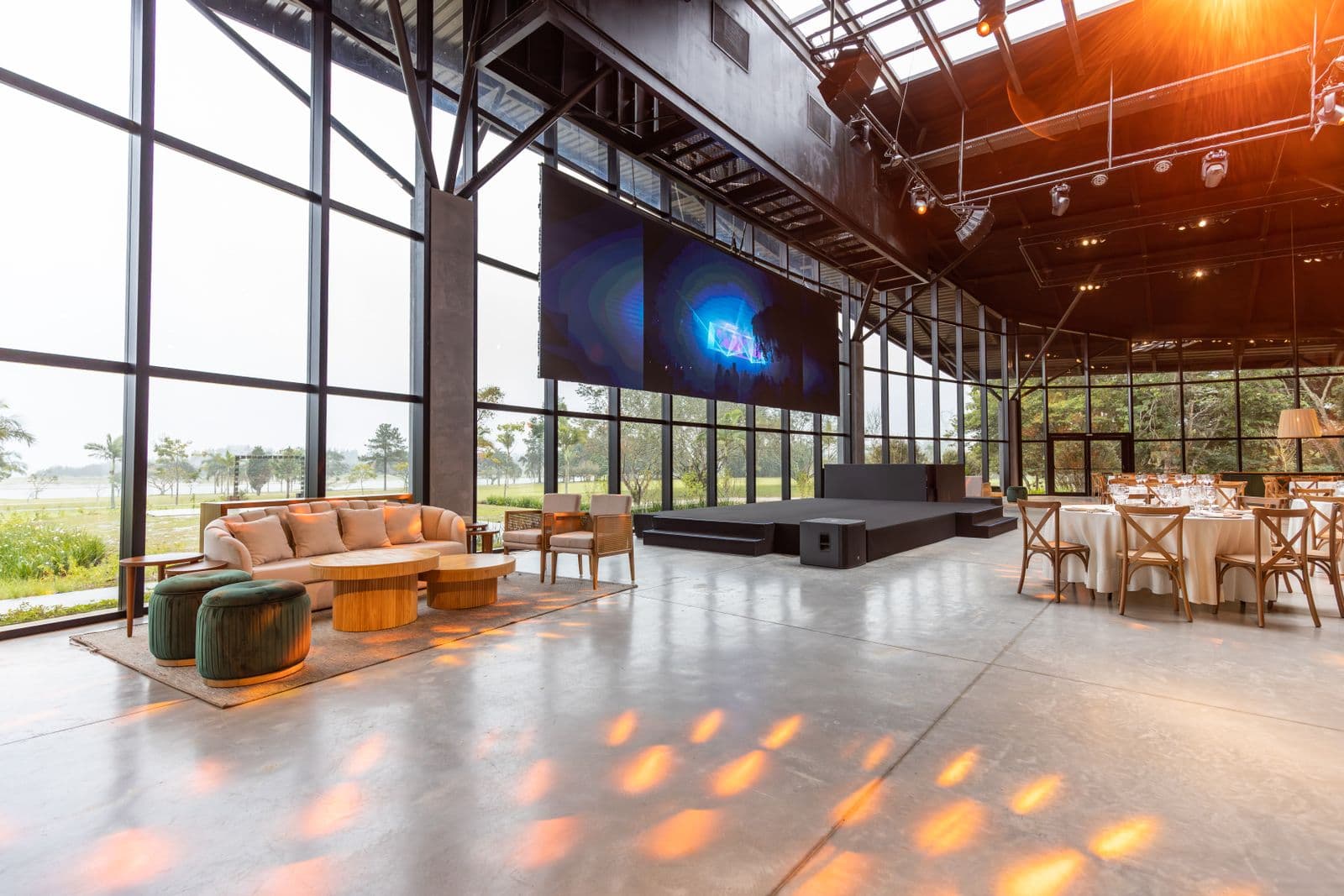
A single-room event and a multi-track conference look similar on a spreadsheet and behave completely differently in practice. One room, one schedule, one AV setup: a shared document and a checklist get you most of the way there. Add a second and third track running at the same time, in different rooms, with different speakers and different AV needs, and the whole thing changes shape. A session running long in Room B now threatens the start time in Room A. A missing microphone cable is not a delay, it is a delay that cascades across three concurrent sessions. This guide is a practical, product-neutral look at what software for conference planning actually needs to handle at that scale, and how to evaluate it in a demo that is built to test a single-session event, not the parallel-track reality you are actually planning for.
What Breaks at Conference Scale That Doesn't Matter for One Room
A handful of problems only show up once you add a second concurrent track, and they are worth naming before you start evaluating tools, because they are exactly what a generic single-session demo will not show you. Parallel tracks need separate AV setups tracked independently: a projector fix in Room A should not require pulling the same AV tech who is mid-setup in Room C. Room capacity becomes a real constraint, not a nice-to-have, once a popular session in a 60-seat room is competing against a 200-seat keynote hall down the hall. Speaker green room logistics multiply: instead of one speaker walking on stage once, you have a dozen or more speakers each needing a holding area, a mic check, and a specific call time that has to account for whatever room they are speaking in. And sponsor deliverables, banners hung by a deadline, booth power confirmed, lead retrieval scanners charged, stack up the same way vendor tasks do, except sponsors are also paying you and expect their line items honored on schedule.
Multi-Track Scheduling and Room Management
The core operational difference at a conference is that your schedule is not one timeline, it is several timelines running in parallel that all have to hold together. Software built for this needs to let you assign sessions to specific rooms, see each room's capacity next to its expected attendance, and catch double-bookings, the same room assigned two sessions at once, or the same AV crew member needed in two places fifteen minutes apart, before they turn into a live problem. Buffer time between sessions matters more here too: a fifteen-minute turnover in one room needs to survive a speaker running four minutes over in the room next door, and a good schedule view should make that kind of ripple visible at a glance instead of only showing up when someone notices a room is still occupied at start time.
Speaker Management and the CFP Workflow
Speaker logistics for a conference are a full workflow, not a single guest list entry. It typically starts with a call for proposals: speakers submit session topics, a committee reviews and scores them, and accepted and declined speakers get notified, usually through a dedicated CFP tool built for that intake and review process specifically. Once a speaker is accepted, the work shifts to logistics: collecting their bio and headshot for the program, confirming AV and staging needs (a lectern versus a stool and mic, slides versus a live demo, a confidence monitor), and building their specific call time and green room assignment for the day. None of that is what a CFP tool is built to track once submissions close, and it is not what a general guest-list or RSVP tool tracks either, since a speaker is not just an attendee, they are a moving part in the run of show with a specific slot, room, and set of technical dependencies.
Sponsors and the Expo Floor
Sponsors deserve the same operational discipline you give vendors, arguably more, since they are the ones writing checks and their satisfaction directly affects next year's budget. Each sponsor tier usually comes with a specific list of deliverables: booth location and size, signage placement and a hard deadline for artwork, logo inclusion on the program and slides, lead retrieval access, and sometimes a speaking slot or panel seat. Treat this list the way you would treat a vendor contract, with an owner and a deadline for each line item, rather than a loose set of promises tracked in an inbox. The expo floor itself adds its own room-management problem: booth capacity, power and internet drops assigned per table, and load-in and load-out windows that need to be scheduled against the same room and AV resources your session tracks are already using.
Registration Tiers, Ticketing, and Badge Printing at Scale
Registration for a conference is rarely a single ticket type. Early-bird pricing, speaker comps, sponsor allotments, student rates, and day-passes all need to be tracked and reconciled against actual attendance, and check-in at a conference with hundreds of attendees needs badge printing and scanning hardware that a simple guest list tool was never built to run. This is honestly one piece where it is worth being direct: a dedicated registration and ticketing platform, built specifically for tiered pricing and high-volume check-in, usually serves this piece better than a general operations tool trying to bolt it on. If that is the specific gap you are filling, it is worth comparing Cvent or Eventbrite directly against your registration needs, and pairing whichever you choose with a separate operations tool for the schedule, speakers, and day-of running of the event itself. Event70 is built for that operations side, the run of show, checklist, vendors, and live day-of coordination, and is honest that it is not a ticketing storefront.
Keeping a Master Run of Show and Per-Room Sheets in Sync
This is the part that actually determines whether the conference feels controlled or chaotic once doors open, and it is the piece most generic tools handle worst. You need a master run of show that shows the whole event at a glance across every room, and you need per-room sheets that the team physically standing in each room can follow without scrolling through sessions that are not theirs. Critically, those two views have to be the same underlying data, not two documents someone is manually keeping in sync. When a session in Room B runs long, that change needs to show up on the master schedule and on Room B's own sheet at the same moment, not fifteen minutes later after someone remembers to update a second document. A live show clock against a real cue sheet, with estimated versus actual timing visible for each session, is what turns a spreadsheet plan into something a team can actually run a live multi-track day against.
A Demo Framework Built for Multi-Track, Not Single-Session
Most software demos default to showing a single, tidy session, because that is the version that looks best on a sales call. Push past that and ask specifically for the multi-track view.
- Ask to see three rooms with sessions running at the same time, on the same schedule view, not one room at a time.
- Ask what happens on every affected room's sheet when one session runs fifteen minutes long.
- Ask whether room capacity is tracked and whether the tool flags a session assigned to a room too small for its expected attendance.
- Ask how speaker-specific details (AV needs, call time, green room) are tracked separately from general attendee guest list entries.
- Ask whether sponsor deliverables can be tracked with owners and deadlines the same way vendor tasks are.
- Ask to export the guest list, budget, and schedule as a plain spreadsheet, on the call, to confirm your data is actually yours.
If your conference planning is at the stage of building out the actual schedule and run of show, how to plan a conference walks through the full timeline, and the conference template gives you a real starting structure for tracks, rooms, and speaker slots rather than a blank page. For the run of show mechanics specifically, how to write a run of show is worth reading alongside this one. When you are ready to test how a live, multi-room day actually runs, you can start free and build your first event's schedule at no cost before deciding whether it is the right operational layer for your conference.