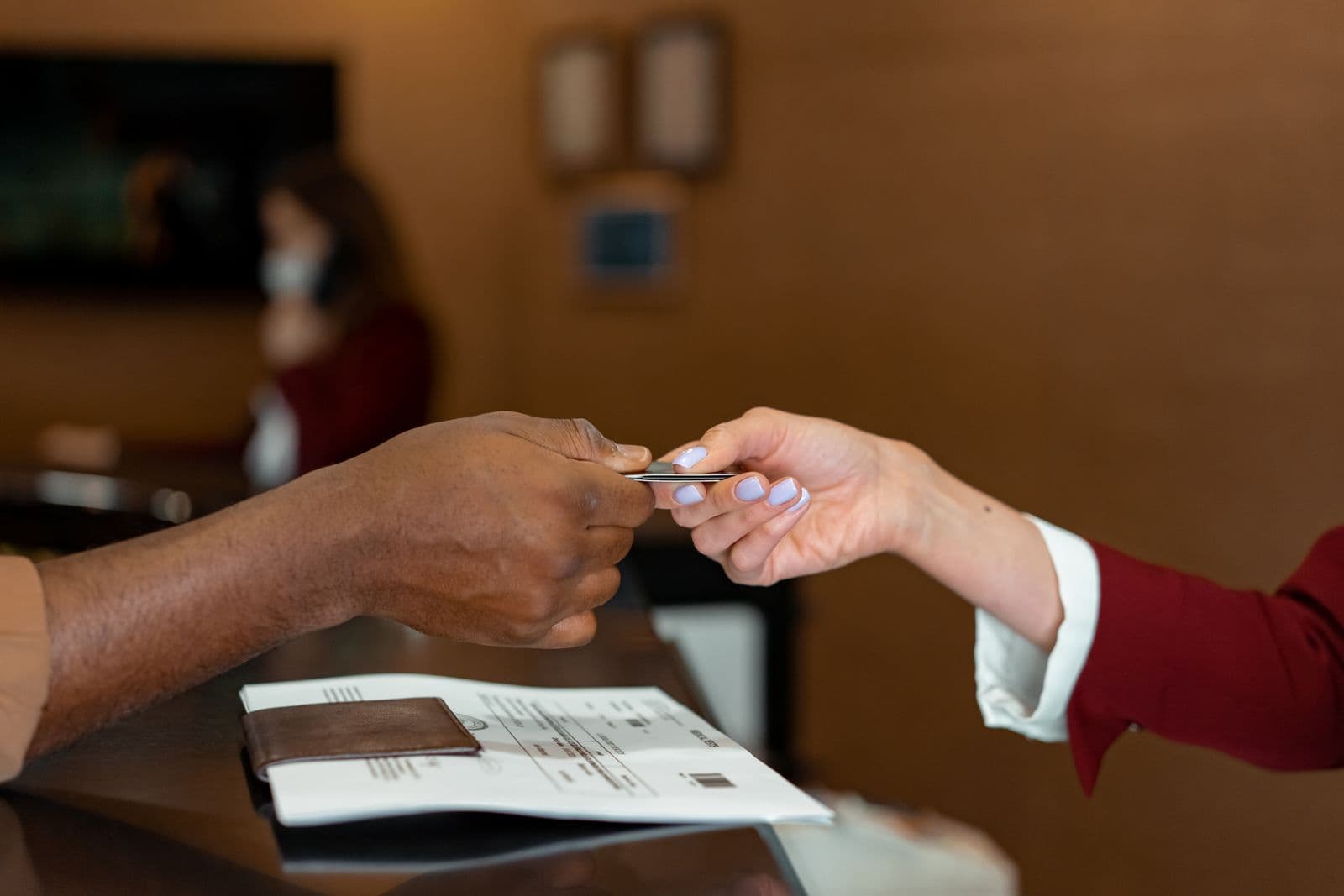
RSVP management sounds like an admin chore until the week before your event, when it becomes the thing that determines whether catering runs out, whether the room is set for the right number of chairs, and whether the person at the door is turning away someone who's actually on the list. At its core, managing RSVPs is headcount integrity: knowing, with confidence, how many people are coming and who they are. Everything else, the reminder emails, the dietary questions, the seating logic, exists to protect that one number.
One guest, one record, one status
The most common way RSVP tracking falls apart is duplication. Someone RSVPs through a form, then emails a follow-up question, then a colleague forwards the invite and they reply from a different address, and now you've got three loosely connected mentions of the same person spread across a spreadsheet and an inbox. By the week of the event, nobody can say with certainty whether that guest is coming.
Fix this by treating every guest as a single record with exactly one status at any given time: invited, confirmed, declined, or waitlisted. When a status changes, you update the existing record, you don't create a new row. This sounds obvious written down, but it's the single biggest failure point in RSVP tracking for events over about 50 guests, where email threads and spreadsheet edits start happening in parallel across more than one person on the planning team.
If you're running this out of a spreadsheet, put the guest's name and email in one locked column pair and treat status as a dropdown, not free text. If you're using event software, this is exactly what a guest list and RSVP feature is built to enforce: one record per person, a constrained set of statuses, and a single source of truth that whoever's at the check-in table pulls from on the day.
Capture only what changes a decision
There's a temptation to ask everything on the RSVP form: t-shirt size, how they heard about the event, whether they're excited on a scale of 1 to 5. Resist it. Every extra field is friction that lowers your response rate, and most of the answers never get used for anything. A guest survey with twenty questions gets skimmed and abandoned. A form with three fields gets completed.
Ask only for information that changes what you actually do:
- Dietary restrictions and allergens, because they change what gets ordered and how it's labeled at the buffet.
- Plus-ones and party size, because they change your total headcount and your table math.
- Accessibility needs, because they change seating placement, entrance routing, and sometimes staffing.
- Session or track selection, only if your event has parallel programming and the number matters for room capacity.
- Arrival time or session block, only if you're running a timed or staggered entry.
Everything else, save for a post-event survey if you actually want the feedback. Mixing "help us plan" questions with "help us understand your experience" questions on the same form usually means neither gets good data.
Plus-ones, party sizes, and when to run a waitlist
Plus-ones are where headcounts quietly balloon. If your invite says "bring a guest" without a cap, you can end up with a 200-person invite list turning into 280 confirmed attendees, which blows past your room capacity and your catering order at the same time. Decide your plus-one policy before you send invites: no plus-ones, one plus-one per invitee, or a household/party invite where the whole group RSVPs as one unit with a party size field. Whatever you choose, make the RSVP form ask for it directly ("How many in your party, including you?") rather than letting people reply-all with vague numbers.
Once you're tracking party size accurately, you'll know in real time how close you are to capacity, which is when a waitlist earns its keep. Set your waitlist threshold before you're actually at capacity, not after someone's already been turned away in an awkward email exchange. When a new RSVP would put you over your room or catering limit, move them to waitlisted instead of confirmed, and let them know roughly when you'll follow up (typically once you hit your headcount deadline and can see how many confirmed guests dropped out or went silent). A waitlist isn't a rejection, it's a queue, and treating it that way keeps interested people warm instead of losing them entirely.
The reminder sequence, not the reminder nag
Reminders work when they're a sequence with a clear end, not an open-ended stream of nudges. A reasonable structure looks like this: the original invite, one reminder sent about a week later to people who haven't opened or responded, and a final call sent two or three days before your headcount deadline to anyone still undecided. That's three touches, maximum, and the second and third only go to non-responders.
The part people get wrong is continuing to message guests who already replied. Once someone declines, they shouldn't get another reminder about the event, maybe a save-the-date for next year, but not a nudge about this one. Once someone confirms, the only follow-up they need is logistics: parking, timing, what to bring, not another "don't forget to RSVP" email that makes your planning look disorganized. If you're sending reminders manually, this means keeping your list segmented by status before every send. If you're using software with built-in RSVP tracking, this segmentation should happen automatically based on each guest's current status.
Set your deadline ahead of the venue's deadline
Your caterer or venue will give you a final headcount deadline, often 5 to 7 days out for a mid-size event, sometimes longer for large plated dinners. Do not set your own RSVP deadline on that same date. Set your internal cutoff 2 to 3 days earlier than the venue's number. That gap is your buffer to actually do something with the data: chase down the last few stragglers, finalize the catering order, print name badges or place cards, and adjust seating without doing it at midnight the night before the deadline is due.
This matters more than it sounds like it should, because the last 10% of RSVPs are always the slowest to arrive and the most likely to need a manual follow-up call or text rather than another email. If your deadline and the venue's deadline are the same date, you have zero room to handle that last push, and you'll be submitting a headcount you're not confident in.
Syncing RSVP data with catering and seating
RSVP data is only useful if it actually reaches the people who need it. Dietary and allergen fields should roll up into a single count your caterer can act on: "12 vegetarian, 3 gluten-free, 2 severe nut allergies" is a usable order, a spreadsheet column nobody exported is not. Build the habit of pulling that summary at your headcount deadline and again 24 to 48 hours before the event, since a few guests always update their dietary needs late.
Seating is the same problem in a different shape. If you're assigning tables or seats, that plan has to reflect confirmed guests as of your seating cutoff, not your original invite list. A common and costly mistake is finalizing a seating chart weeks early, then having it drift out of sync as declines and late adds come in, so the printed chart at check-in doesn't match who's actually walking in the door. Whatever tool holds your guest list should be the same place your seating and catering numbers get pulled from, so there's no manual re-entry step where numbers quietly go stale.
Late RSVPs, digital vs paper, and the confirmed-versus-attended gap
Late RSVPs are inevitable. Decide your policy in advance rather than negotiating it fresh every time someone emails three days after your deadline. Common options: hold a small buffer in your catering order (5-10% over confirmed count is typical for events with any walk-up culture), seat late adds at a flex or standing table instead of an assigned seat, or simply waitlist them and follow up if a confirmed guest drops. Whatever you pick, apply it consistently so you're not making judgment calls under pressure during the busiest week of planning.
On digital versus paper invites: digital wins on almost every operational measure for a professional or corporate event. A digital RSVP link gives you a timestamped, structured status the moment someone responds, no transcription, no lost reply cards, no guessing what someone's handwriting meant by "maybe." Paper invites still have a place for high-formality occasions where the physical object is part of the message (a milestone gala, a wedding-adjacent event), but even then, pairing the paper invite with a digital RSVP link or QR code gets you the tracking benefits without losing the formal touch.
Finally, remember that confirmed is not attended. Even well-run events see some percentage of confirmed guests not show up, and that number varies by event type: a free community meetup will run a higher no-show rate than a paid conference ticket or a corporate event tied to someone's job. Rather than guessing at an industry figure, track your own no-show rate across two or three events using actual check-in data. That number, specific to your event type and audience, is far more useful for future catering and seating decisions than any general benchmark.
Getting RSVPs right is really about keeping one clean list and one clear process around it, from the first invite through day-of check-in. If you want a deeper look at the day itself, see our guide on event day-of coordination, and if your RSVP counts feed into a bigger financial picture, our how to budget for an event guide covers how catering and headcount numbers roll into your overall budget. Event70's guest list and RSVP tools keep every status in one place and sync straight through to your day-of headcount. Start free.