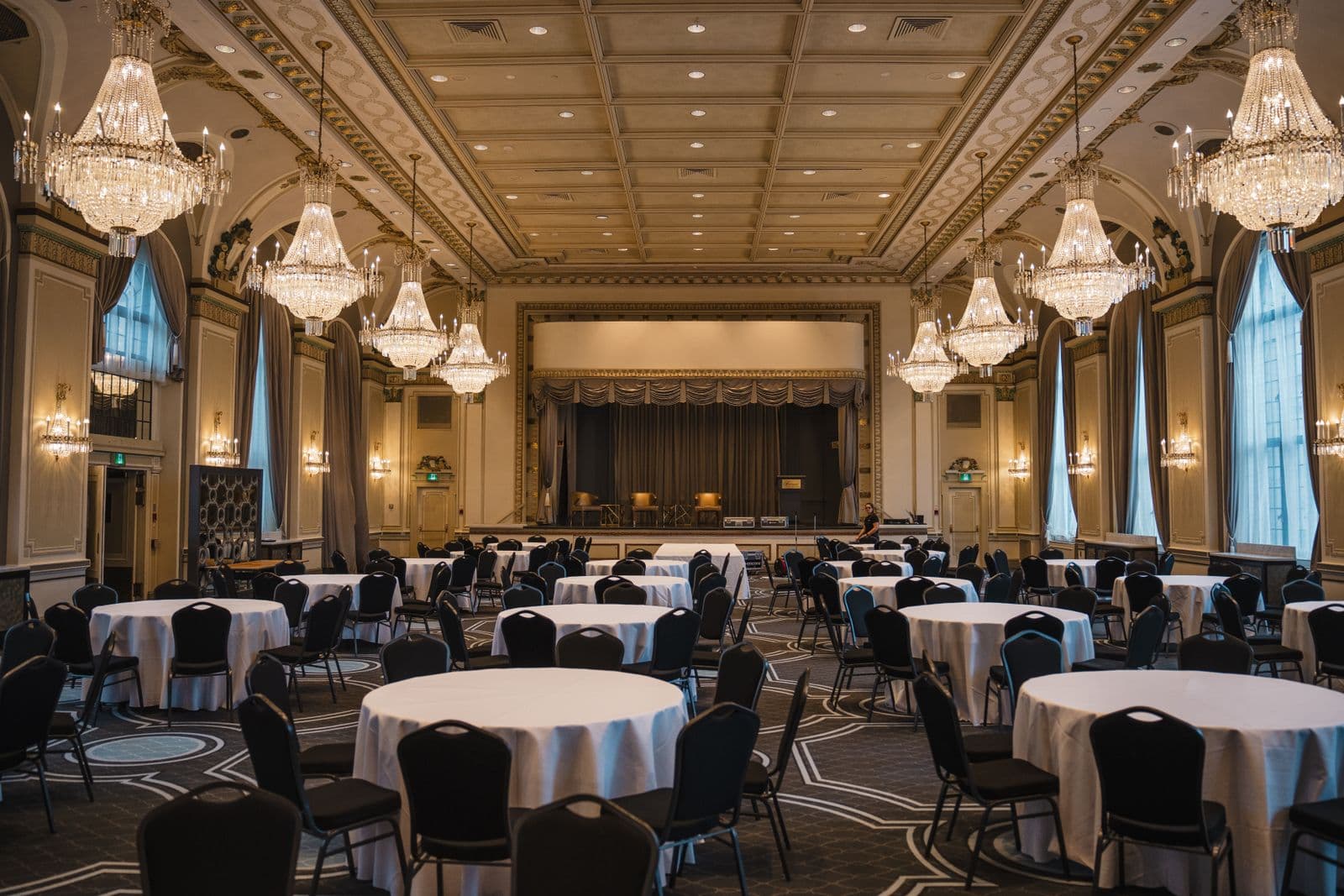
Search for "venue management software" and you'll get results aimed at two very different people: someone who owns or operates a physical space and needs to run bookings across it, and someone who's planning a wedding, conference, or corporate event and just booked a room somewhere. Those are not the same job, and the software that fits one is close to useless for the other. This post is written to route you to the right answer honestly, even though the odds are decent you're actually in the second group and don't need venue management software at all.
First, figure out which side of this you're on
Ask yourself one question: do you manage the building, or do you manage the event happening inside it? If you're a venue operator, hotel banquet manager, event space owner, or you run a facility that hosts other people's events, you manage the building. Your job involves juggling multiple bookings, sometimes multiple simultaneous events in different rooms on the same night, and you need to prevent conflicts across all of them. If you're a corporate planner, nonprofit organizer, or independent producer who found a venue, signed a contract, and now needs to run your one event well inside it, you manage the event. You're not worried about anyone else's booking on that date, you're worried about your own run of show, your guest list, and your budget.
The confusion is understandable because both groups use the word "venue" constantly. But a venue operator's software problem is a scheduling and inventory problem across a business. An event planner's software problem is an execution problem for a single occasion. Different shape, different tool.
What venue management software actually needs to do
If you're on the operator side, here's what real venue management software covers, and where a spreadsheet or generic calendar starts to break down.
- Room and space booking calendar: a live view of every bookable space (ballroom, individual rooms, outdoor patio, rooftop) across every date, so staff can quote availability accurately without checking three different sources.
- Double-booking prevention: automatic conflict checks when a booking is entered, including buffer time for setup and teardown between back-to-back events in the same room. This is the single feature that a spreadsheet handles worst, since nothing stops two staff members from confirming the same Saturday to two different clients.
- Catering and F&B minimum tracking: for venues where food and beverage revenue matters as much as the room fee, tracking whether a booking is on pace to hit its minimum spend, and flagging it early enough to have that conversation with the client before the event, not after.
- Floor plan and capacity management: room-specific layouts, table and chair counts, capacity limits by configuration (banquet rounds versus theater seating versus standing reception), so sales staff aren't promising a capacity the room can't actually hold in that layout.
- Contract and deposit tracking per booking: which bookings are confirmed versus tentative, deposit status, cancellation terms, and payment due dates, viewed across the whole venue's calendar rather than one booking at a time.
Good venue management software also handles the in-between state well, the tentative hold that's blocking a date without being a confirmed contract. Venues live and die by how well they manage that ambiguity: hold a date too loosely and you double-book it, hold it too rigidly and you lose bookings to a competitor who responds faster.
Signs you actually need venue management software
- You manage bookings across multiple rooms or spaces, and staff currently check more than one calendar (or call each other) to confirm availability before quoting a client.
- Your venue has hosted a double-booking, or come close to one, in the last year because two people confirmed the same date without seeing each other's hold.
- Catering minimums are a real part of your revenue model and you're currently tracking them in a spreadsheet that someone has to manually update after every booking change.
- You run recurring business, meaning the same space gets booked by different clients repeatedly, not a single one-time use of the space by your own organization.
- Floor plan and capacity questions come up often enough during sales calls that getting them wrong has cost you a booking or created a client complaint on event day.
Signs you don't need it, and what you need instead
If none of the above describes you, you're very likely in the second group: an event planner who books venues rather than operates one. You might plan a handful of events a year, or run one big annual conference, or coordinate a company retreat. In every one of those cases, the venue is a location you rent for a window of time, not a business you're running. Managing that booking usually just means a signed contract, a deposit paid, and a date on your calendar. What you actually need help with is everything that happens after the venue is locked in: building the run of show, tracking who's coming, keeping the budget honest, and coordinating the vendors who show up on the day.
That's a genuinely different tool. It doesn't need a room-booking calendar because you're not renting out rooms, it needs a live schedule with a real show clock, a guest list with RSVP tracking, an estimated-vs-actual budget, and a way to keep every vendor's load-in time and contact info in one place instead of scattered across email threads. If you've been searching "venue management software" hoping it will help you run your actual event day, that's the mismatch worth catching early, before you pay for features (double-booking prevention across rooms you don't own, F&B minimum tracking for a venue you don't operate) that will sit unused.
Where Event70 fits, and where it honestly doesn't
Event70 is not venue management software, and it's worth being direct about that rather than stretching the pitch. It doesn't handle room booking calendars, it doesn't prevent double-booking across a venue's inventory of spaces, and it doesn't track catering minimums for a venue operator's revenue model. If that's what you need, look for software built specifically for venue operators.
What Event70 is built for is the job on the other side of that transaction: once your venue is booked, running the actual event well. That means a live run of show with a real show clock so your team knows what's happening right now and what's next, a planning checklist so nothing falls through between booking the space and doors-open, guest list and RSVP tracking, a budget tracker that separates estimated from actual spend (including whatever deposit and balance you owe the venue itself), and vendor tracking so your caterer, AV company, and florist all have their load-in times and contacts in the same place your team is already watching. It's built for in-person and some hybrid events, not as a ticketing storefront and not as a booking system for a physical space.
If you've confirmed you're an event planner and not a venue operator, the next step isn't more venue software research, it's setting up the operational side of your actual event. Start with a run of show template to lay out the day, use the event budget calculator to track what you owe the venue against everything else, or look at event management software built for corporate events if that's closer to what you're planning. You can also start free with your first event at no cost to see whether the day-of tools fit before committing to anything.