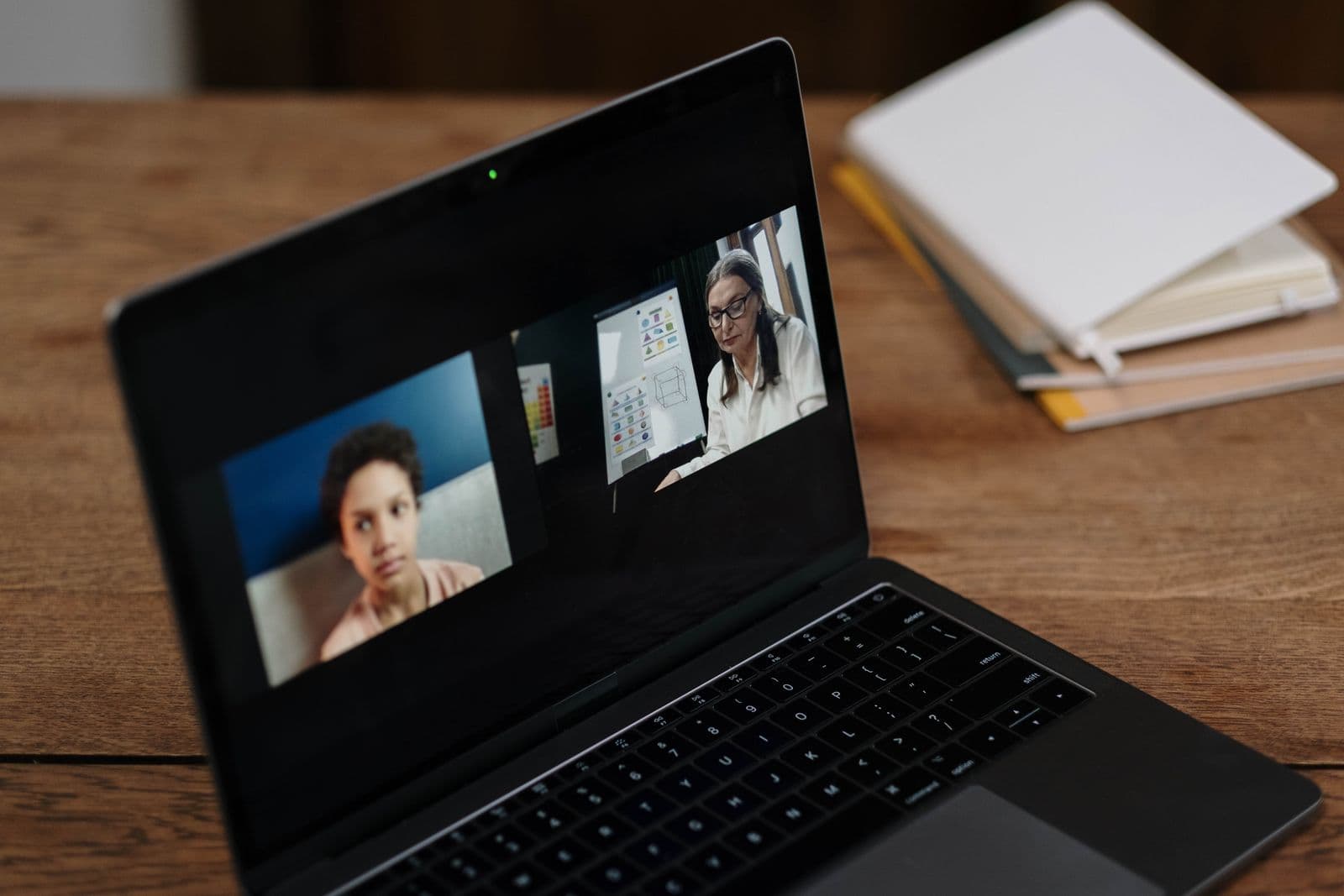
Someone in a planning meeting says the word hybrid like it settles the debate: stream it, and everyone wins. It doesn't settle anything. Hybrid isn't a checkbox you add to an in-person event, it's a second event running in parallel, with its own run of show, its own audience, and its own ways to fail. The room delivers things a screen structurally cannot: a hallway conversation that turns into a deal, the energy of two hundred people reacting to the same joke at the same second, a handshake that actually happens. Before you commit to hybrid, it's worth being honest about what you're buying and what you're giving up, because the room and the stream are not the same event wearing different clothes.
What hybrid actually means, and what it doesn't
The word hybrid gets used loosely enough that two people in the same meeting can mean different things by it. A one-way livestream, where a camera points at the stage and remote viewers watch passively with no way to interact, is not the same product as true hybrid, where remote attendees can ask questions, join breakouts, and show up in the room's Q&A queue on equal footing with people physically present. A webinar bolted onto the end of an in-person day is different again from a genuinely dual-track event designed from the start to run two audiences at once.
This matters because the format you pick determines your run of show. A passive livestream needs a camera operator and a stable feed, not much else. True two-way hybrid needs a second show caller equivalent for the remote side, a moderation plan, and cue points where the room and the stream interact (a remote question gets read aloud, a poll result from both audiences gets shown on the main screen). Decide up front which version you're actually building, because pricing it, staffing it, and running it as if it's the lighter version when it's really the heavier one is where most hybrid budgets and timelines quietly blow up.
When in-person wins outright
Some events lose their entire point the moment you add a remote option, even a well-produced one. A sales kickoff or corporate retreat built to rebuild team trust and get people off their laptops works against itself if half the room is quietly checking a stream chat on their phone instead of talking to the person next to them. A hands-on workshop where people are building something with their hands, a community skills session, a plated fundraiser dinner where the ask depends on room energy building through the evening, all of these depend on physical presence doing work that no camera angle replicates.
The tell is usually simple: if the value of attending comes from being physically near other people (a shared meal, a shared reaction, a shared task), hybrid dilutes it rather than extending it. You're not gaining a second audience so much as splitting your production team's attention while adding a lesser version of the experience for people who, in a lot of cases, weren't going to be your most engaged attendees anyway. For these formats, the better move is usually to record for archival purposes, not to build live remote infrastructure at all.
When hybrid actually earns its cost
Hybrid makes sense under a specific, narrower set of conditions than most planning meetings assume. First, the content has genuine value to people who cannot travel, not people who simply chose not to. A national nonprofit's annual member meeting, a multi-city company all-hands, or a conference with international speakers and attendees are real cases where a meaningful chunk of your audience is geographically locked out, not just mildly inconvenienced.
Second, you actually have production budget for a good remote experience, not just a camera someone owns already. That means a dedicated video feed (not a laptop webcam), clean audio routed directly from the house system rather than picked up ambiently by a mic in the room, and a streaming platform chosen for the job rather than whatever's free. Third, and most often skipped, someone owns the online audience as their entire job for the duration of the event, watching stream health, running chat, and escalating problems, not squeezing it in between other day-of duties.
If you can honestly check all three, hybrid is worth doing well. If you can check one or two, you're better off picking a lane: run in-person only and record for later viewing, or run a lighter, intentionally passive livestream with no interactive promises attached to it.
A decision framework you can actually use
Work through these questions in the planning phase, not the week before the event, because several of them change your budget and staffing plan materially.
- Does a meaningful share of your intended audience genuinely have no way to attend in person? If it's a handful of people, send them a recording instead.
- Do you have a dedicated budget line for streaming production, separate from your existing in-room AV quote?
- Can you assign one person whose only job during the event is the remote audience, not a role squeezed in alongside another one?
- Does your content translate to a screen? Panel discussions and keynotes usually do. Networking, plated dinners, and hands-on workshops usually don't.
- Do you have time to build and rehearse a second, stream-specific run of show, not just a copy of the room's schedule with a camera added?
- Is there a real plan for two-way interaction (chat, Q&A, polls) that a moderator will actively run, rather than an open comment box nobody's watching?
If you're checking boxes to talk yourself into hybrid because it feels like the safe, inclusive-sounding choice, that's usually the moment to stop and pick a single format instead. A decisive, well-run in-person event beats a half-committed hybrid one almost every time, for both audiences.
Streaming platform, AV, and moderating the online audience
Platform choice depends more on your audience's expectations than on feature checklists. A polished, ticketed webinar-style platform suits a formal conference keynote. A simpler live video platform works fine for an internal all-hands where the audience already knows the login and doesn't need a slick registration flow. Whatever you pick, test the actual venue's upload bandwidth in advance, not the venue's marketing claim about its internet. Ballrooms and older buildings are notorious for bandwidth that looks fine for browsing and falls apart the moment you're pushing a live encoded video feed alongside a few hundred guests on the same Wi-Fi.
Build redundancy into the plan rather than hoping the single feed holds. That means a backup internet connection (a cellular hotspot as a fallback encoder path is cheap insurance), a second camera angle you can cut to if the primary fails, and someone specifically watching the stream's health, not just the room's. Audio deserves more attention than video: a remote viewer will tolerate a slightly soft camera angle far more than they'll tolerate audio that cuts in and out, so route sound directly from the house mixing board into your encoder rather than relying on a camera's built-in mic picking up room ambience.
A remote audience with no active moderation degrades fast. Chat turns into cross-talk, genuine questions get buried under small talk, and nobody in the room ever sees the good questions that came in online. Assign a moderator whose job is to actively watch chat, surface real questions to the show caller or MC at natural pause points, and answer simple logistical questions directly (login issues, timing, where to find slides) so those don't clog the queue meant for content.
Build the interaction into the run of show itself, not as an improvised aside. Decide in advance which segments will pause for a remote question, roughly how many you'll take, and who physically relays it to the speaker (reading it aloud, or displaying it on a monitor visible from the stage). Latency between the room and the stream (typically 10 to 30 seconds depending on your platform) means a remote viewer's live reaction always lags the room's, so avoid moments that ask both audiences to respond in real time together, like a synchronized poll reveal, unless you've tested and accounted for that lag specifically.
Pricing and sponsorship implications of going hybrid
Going hybrid changes your commercial model, not just your production plan. If you're charging for tickets, decide honestly whether a remote ticket is worth the same price as an in-person one, and be ready for pushback if it is. Most organizers price remote access lower, sometimes significantly, which is reasonable given what remote attendees are actually getting, but it also means hybrid may not offset its own production cost through ticket revenue alone.
Sponsorship is where hybrid can pay for itself, if you sell it as its own package rather than folding it into the existing in-room sponsorship deck. A sponsor logo on the stream overlay, a dedicated slide during virtual breaks, or sponsorship of the on-demand recording afterward are all inventory that doesn't exist without the stream, and can be priced and sold separately from booth space or stage-banner placement in the room. Track the cost of the remote production as its own line in your event budget, estimated versus actual, the same way you'd track catering or venue costs, rather than absorbing it into a general AV line where it's impossible to see afterward whether hybrid actually paid for itself.
Common mistakes, and running everything off one master timeline
- No dedicated remote producer, so the online audience gets whoever's free, which usually means nobody consistently.
- A single laptop webcam standing in for real AV, producing a distant angle and audio nobody can follow for more than a few minutes.
- No rehearsal of the actual stream, so problems surface live instead of the day before when there's still time to fix them.
- Unmoderated chat, so genuine questions get buried and the room never hears the good ones that came in online.
- One run of show trying to serve both audiences at once, with no cue points built specifically for the handoff between them.
That mismatched attention (a team physically split across two rooms, one full of people and one full of monitors) is what quietly degrades both experiences even when nothing visibly goes wrong. Nobody notices a single dropped stream feed as much as they notice a producer who's mentally half in the ballroom and half watching a chat window all day, missing cues in both places because their attention is genuinely divided.
Whichever format you land on, resist the urge to maintain two separate schedules that drift apart the moment the day gets busy. Build one master run of show with the room's cues and the stream's cues on the same timeline, so your show caller can see at a glance that the remote Q&A segment lands right after the panel wraps in the room, not three minutes later because the stream's producer was working off a slightly different draft. If you're setting this up for the first time, our guide to writing a run of show and run of show templates are a solid starting point, and it pairs well with the broader thinking in our piece on choosing event management software if you're still deciding what to run the whole event on. Start free and build a run of show that keeps both audiences on the same clock.